
Music editing is more accessible than ever, with a wide range of online tools and audio software available. Whether you're a producer, musician, content creator, or audio enthusiast, knowing how to remove bass from a song can give you greater control over your mix.
Removing bass can help create cleaner tracks, highlight vocals, prepare backing tracks, or explore new arrangements. No matter your experience level, it's a simple way to shape your sound and bring new ideas to life.
In this guide, you'll discover five effective ways to remove bass from songs effortlessly, along with some helpful how-to tips to get you started. Without further ado, please keep reading!
Contents
Remove Bass Online Using Tordar
Tordar Bass Remover
Looking for a quick and easy way to isolate bass? Tordar Bass Remover makes the process simple with its one-click instrument extraction feature. The tool is free to use and works with both audio and video files, making it a versatile option for different projects. Its clean, user-friendly interface also lets you switch between features effortlessly from the navigation menu.
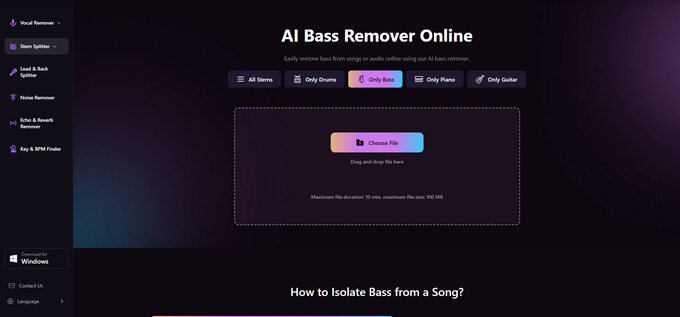
Here are the steps to remove bass from songs online:
Tordar Bass Remover
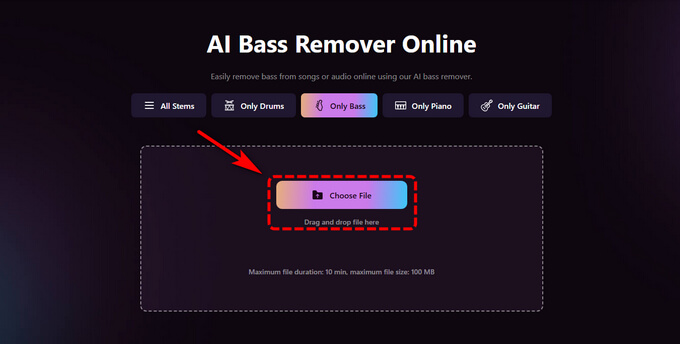
- Open the website and click Choose File to upload your audio or video file.
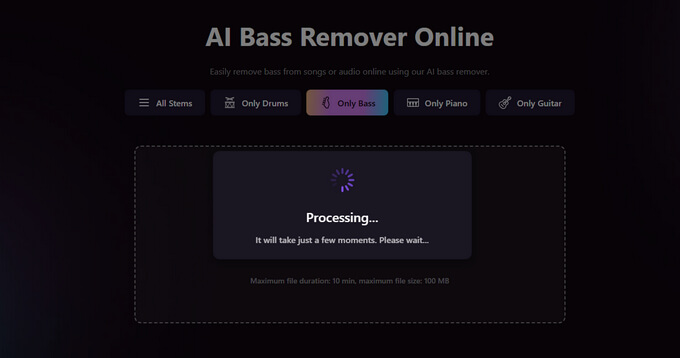
- After the upload is complete, Tordar will automatically process the track and remove bass with AI.
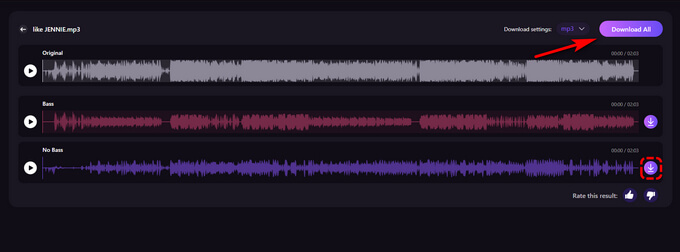
- Preview the result and download the processed file with the bass track removed.
Remove Bass from Songs with Splitter.ai
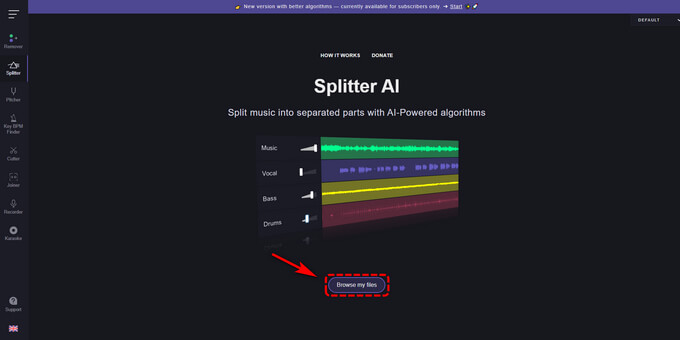
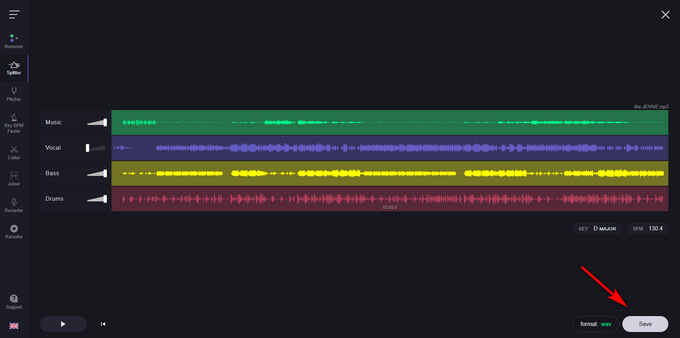
Splitter.ai is a free online audio separation tool that can split a song into individual stems, including bass, vocals, drums, and other instruments. Its simple interface and fast processing make it a convenient option for anyone looking to remove bass from a song or isolate bass tracks for remixing and music production.
How to remove bass from a song with Splitter.ai:
- Click Upload Audio and select the file you want to edit.
- Use the AI bass remover to process the song, and your bassless track will be ready in seconds.
- Download your bass track once the conversion is complete.
Remove Bass from Songs with LALAL.AI
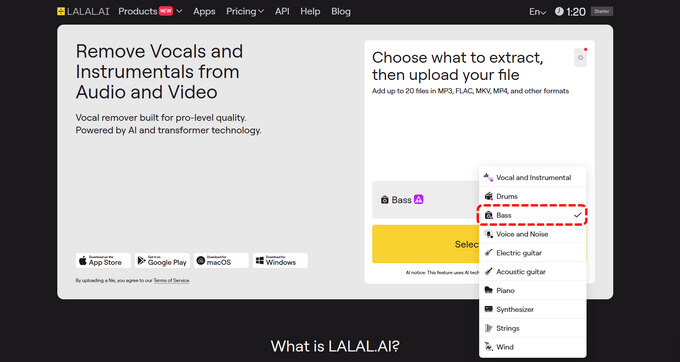
LALAL.AI is an AI-powered stem separation tool that helps users remove bass from songs with impressive accuracy. Suitable for musicians, producers, and casual users, it can isolate bass, vocals, instruments, and other audio elements from both audio and video files through a simple, easy-to-use interface.
How to remove bass from a song with LALAL.AI:
- Visit LALAL.AI and choose Bass from the stem separation options.
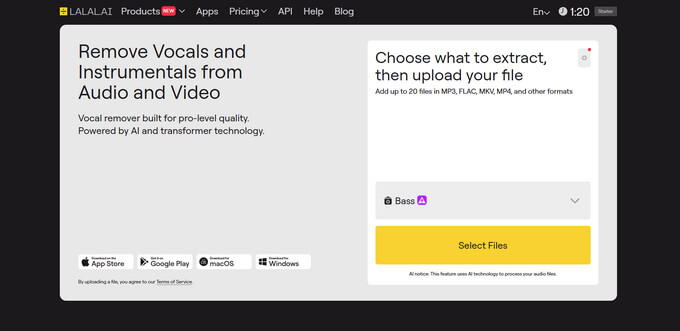
- Click Select Files and upload the audio track you want to edit.
- The AI will process your file, separate the bass from the rest of the audio, and generate a preview of the results.
- Click Get Split Files to download the separated stems to your device.
Use Gaudio Studio to Remove Bass Online
Gaudio Studio is an AI-powered audio separation tool that allows users to isolate individual instruments from a song, including bass, vocals, drums, and more. Its stem-splitting technology makes it easy to create bass-free versions of tracks for remixing, music production, karaoke creation, or detailed audio editing.
How to remove bass from a song with Gaudio Studio:
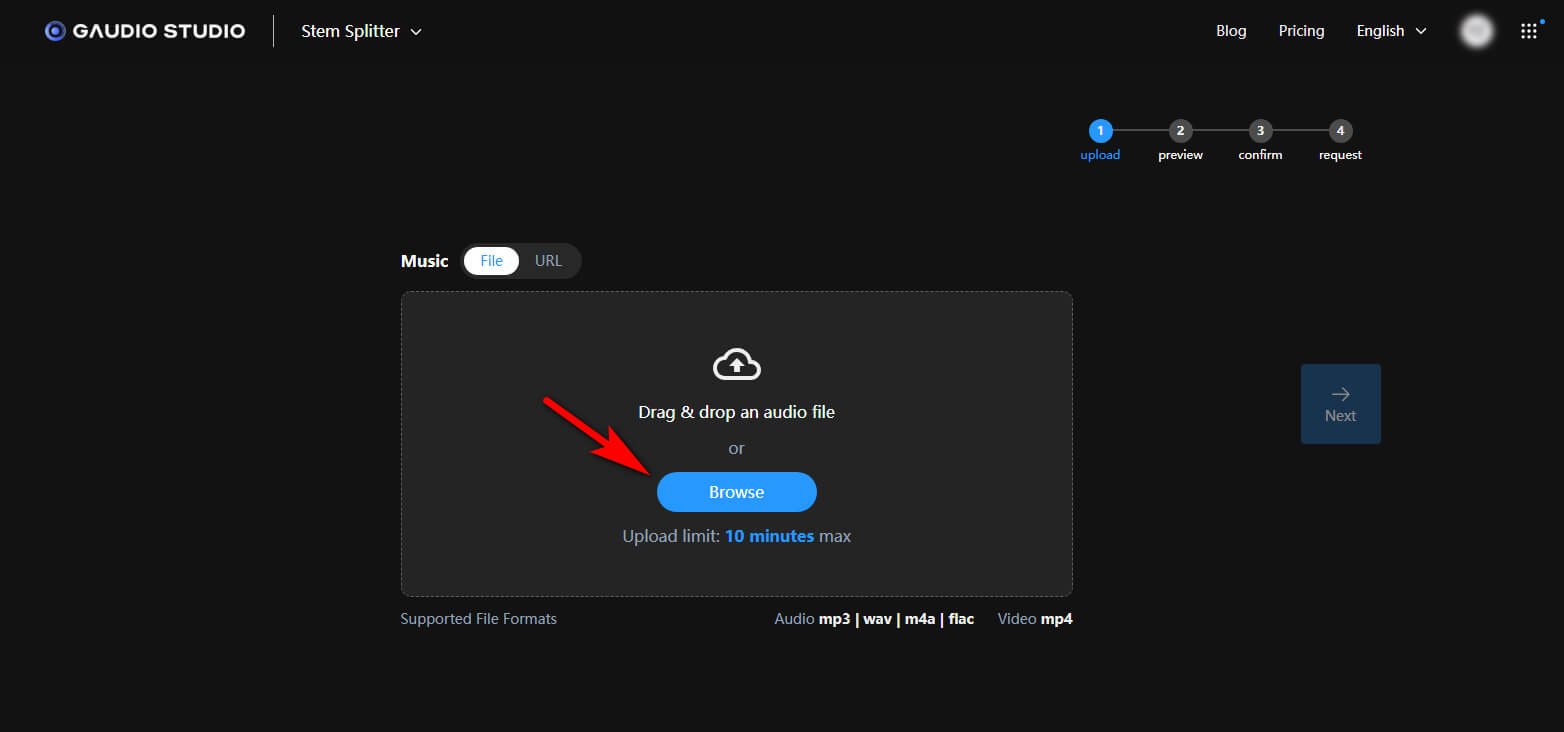
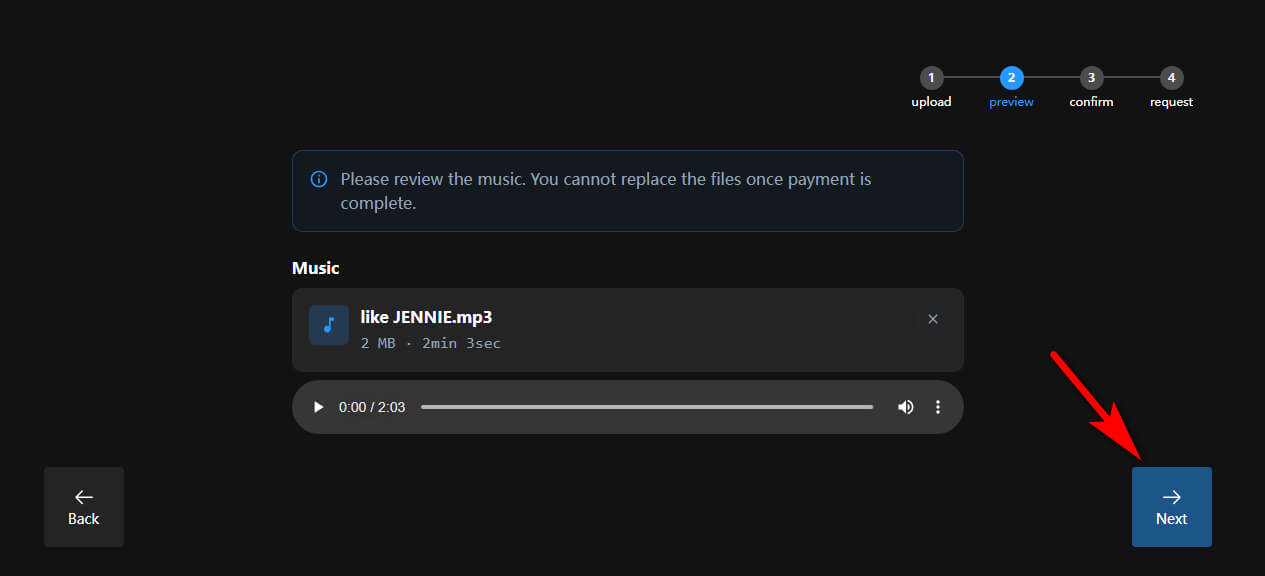
- Sign in to Gaudio Studio and upload the audio file you want to edit.
- Click Next to select the audio stem you want to isolate.
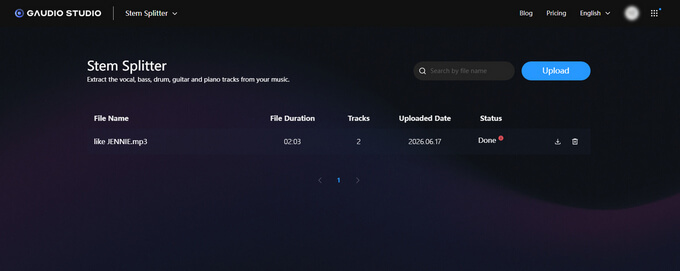
- Once the stems are generated, mute or exclude the bass stem and export the remaining tracks to create a bass-free version of your song.
Remove Bass Tracks with EaseUS
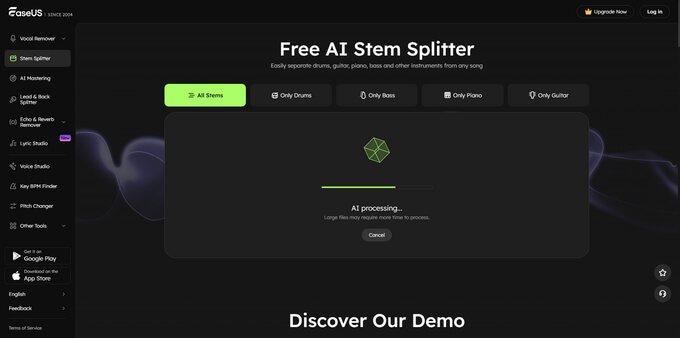
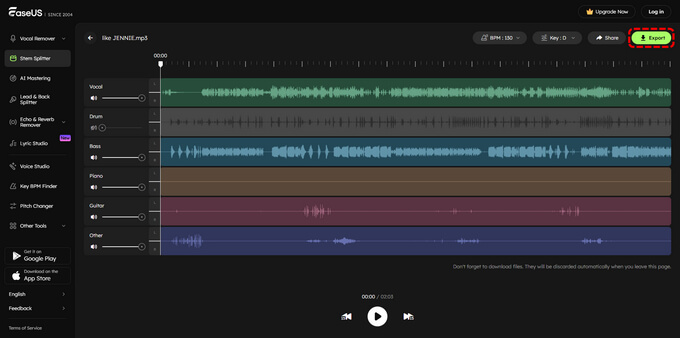
EaseUS Stem Splitter is an AI-powered audio separation tool that can quickly split songs into individual stems, including vocals, drums, bass, and guitar. It's a useful option for musicians, producers, and content creators who want to remove bass from songs, create backing tracks, or make remixes.
How to Remove Bass with EaseUS:
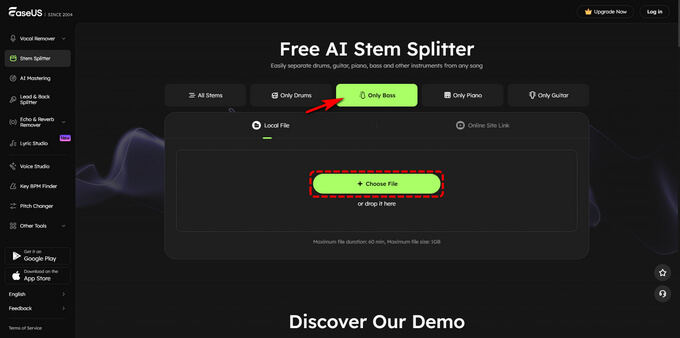
- Access the website, select the Only Bass option, and upload your audio file by clicking Choose File or dragging it into the upload area.
- Once the file is uploaded, the AI will automatically analyze and process the track.
- When processing is complete, preview the result and download your bass-free audio file.
Conclusion
Removing bass from song is no longer a complicated task. With modern AI bass removers, you can easily remove bass or create bass-free audio in just a few clicks. Whether you're producing music, creating backing tracks, improving vocal clarity, or experimenting with new arrangements, the tools covered in this guide offer reliable solutions for every skill level.
If you're looking for the fastest way to remove bass from audio or video online, Tordar Bass Remover stands out with its one-click processing and support for multiple file formats. Try the method that best fits your workflow and start creating cleaner, more customized tracks today.
Tordar Bass Remover
FAQs on Removing Bass from Songs
1. How to remove bass from a song?
Step 1. Open our bass remover and upload your song.
Step 2. Our AI will analyze the track and remove the bass while preserving other instruments and vocals.
Step 3. Download either the bass-free version or the isolated bass stem when processing is complete.
2. What is the best tool for removing bass from a song?
The best bass remover depends on your workflow and goals. If you need a fast, beginner-friendly solution, Tordar Bass Remover lets you remove bass from songs in one click and supports both audio and video formats online.
3. What audio file formats are supported by these tools?
Tordar supports a wide range of audio formats, including MP3, WAV, M4A, AAC, FLAC, and more. You can also upload video files such as MP4 and MOV and remove bass directly from the audio track.